One-click mods
Search thousands of mods and install them instantly. Required dependencies come along automatically.
 MONO
Download
MONO
Download
Minecraft launcher for Windows
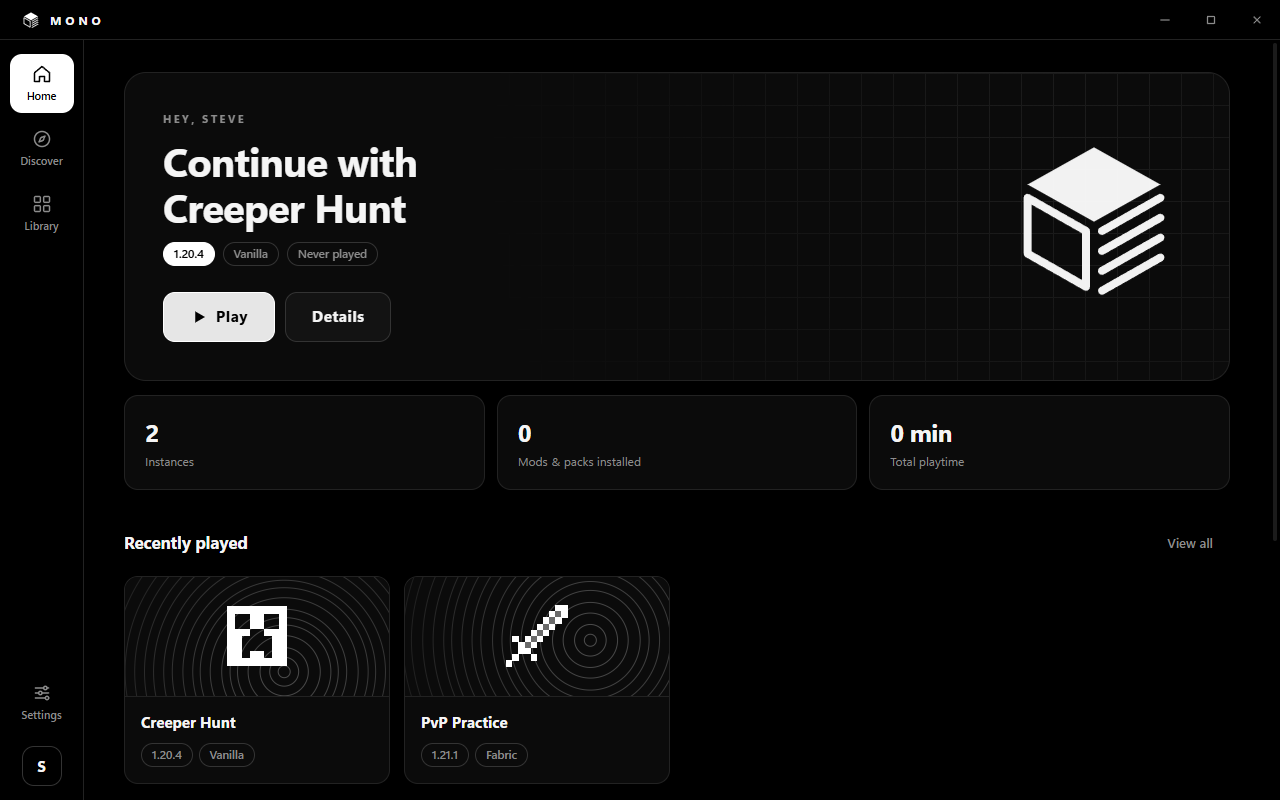
MONO is a free launcher that keeps things simple. Pick a version, add mods, resource packs and shaders with one click, and play.
Features
Search thousands of mods and install them instantly. Required dependencies come along automatically.
Resource packs and shader packs in the same place. Shaders bring Iris along by themselves.
Keep survival, PvP and modded worlds apart. Each instance has its own version, mods, memory and icon. Fabric is built in.
Press Host and your Paper server is live. Add plugins with one click and share the IP with your friends.
New versions download in the background and install on the next restart.
Sign in right inside the launcher and switch between accounts with one click.
How it works
Download the installer and run it. MONO gets a desktop and Start menu shortcut.
Pick a Minecraft version and Vanilla or Fabric. Give it a name and an icon.
Install what you like from Discover, press Play. MONO downloads Minecraft and the right Java.
FAQ
Yes. MONO is free and has no ads.
Yes, to play online you sign in with the Microsoft account that owns Minecraft: Java Edition.
MONO is not code-signed yet, so Windows does not know the publisher. Click More info → Run anyway to install.
Every instance has its own folder. Open it from the instance page with the folder button.